
Selected and supported work
Applications we build and support
ChopDawg builds custom mobile and web applications for U.S. businesses. What follows is a picture of the range we take on, not a wall of logos — case detail appears only where a client has approved it.
Column 1 — How this page reads
Custom app development, described by the work itself
Most studio sites answer "what have you shipped" with a grid of screenshots. We would rather describe the categories of custom app development we take on, what makes each one hard, and where the risk sits. If a project type below looks like yours, that is the signal to start a conversation — and if it does not, we will say so before you spend a budget finding out.
What you can and cannot expect here
Client names, store links, and screenshots appear on this site only where the client has approved them, so we do not publish a logo carousel. What we do publish is scope: the shape of the work, the parts that usually go wrong, and the sequence we follow. Ask us for references tied to your project type and we will route you to the right conversations.
Platforms we work across include native iOS and Android, cross-platform builds, and browser-based web apps. The right answer depends on your users, your release cadence, and how long you intend to keep the product alive.
Column 2
Six project types we take on
Each row below is a category of app work rather than a single case. Read them as the field we operate in; the fourth column shows how the project usually starts and what a sensible first step looks like.
On the home screen
Consumer mobile apps
Products that live on a home screen: booking, commerce, content, community, and subscription tools. These usually start as an MVP aimed at one clear question, then grow based on what real usage shows. Cross-platform builds are common here because the feature sets overlap on iOS and Android. The hard parts tend to be onboarding, notifications, and payment flows, not the screens.
Starts with one user question, not a feature list
Behind the badge
Internal and operational tools
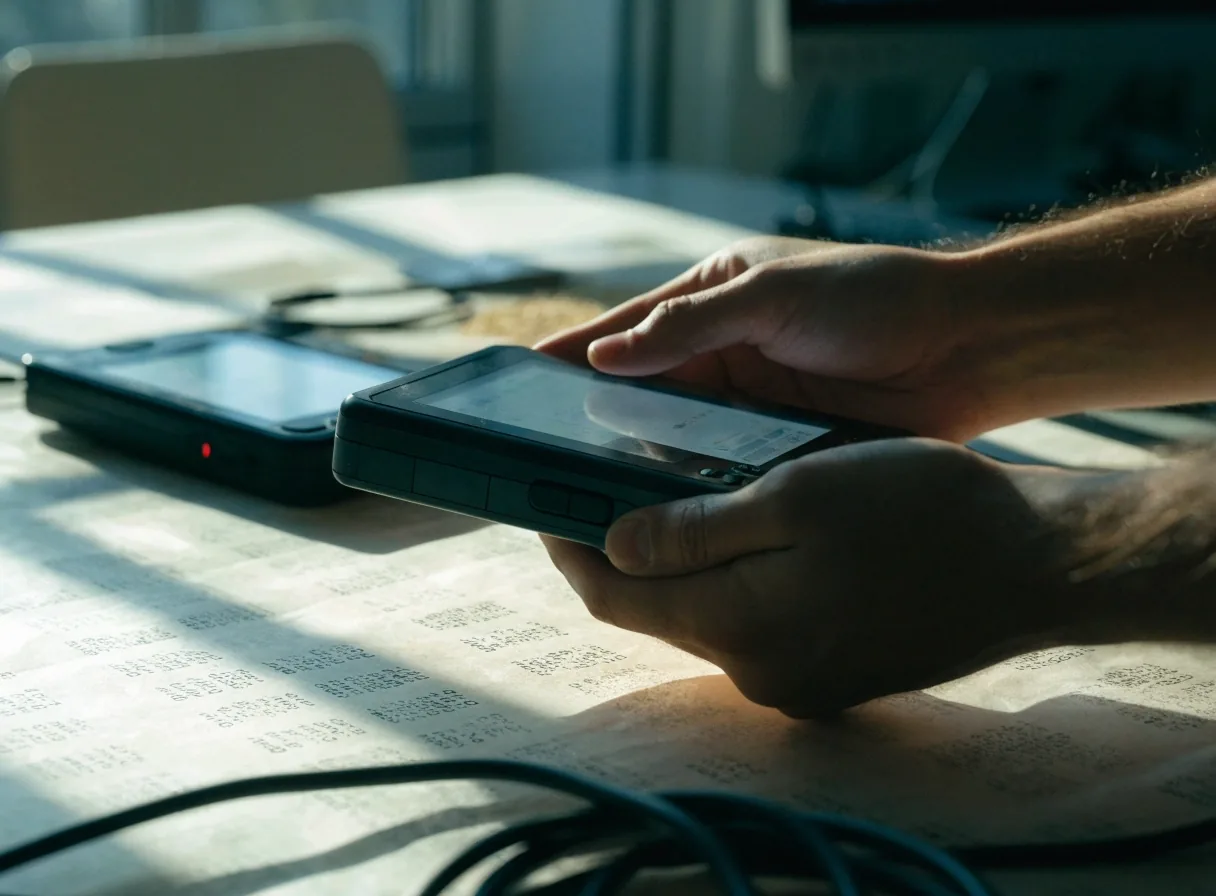
Some of our most useful work never appears in an app store. Field service apps, inspection tools, inventory scanners, and approval workflows replace paper and spreadsheets with something people can actually operate on a phone. Offline behavior and integration with existing business systems matter more than visual polish. These projects usually pay for themselves in removed manual steps.
Starts with the manual step you want gone
No store, no install
Web applications and portals
Customer portals, dashboards, and browser-based products reach users without a store review or an install. We build them when distribution, internal access, or fast iteration outweighs the value of a native client. Many start as web apps and add a mobile companion later, once the workflow has settled. That sequence is often cheaper than the reverse.
Starts by asking who needs access and how fast you iterate
Two sides, one product
Marketplace and multi-sided products
Products with two or more user groups, such as buyers and sellers or clients and providers, need both sides designed together. Matching logic, messaging, payments, and dispute handling all have to coexist. These builds take longer to scope because the edge cases multiply. We map the flows for every role before engineering starts.
Starts with a flow map for every role
Recurring revenue
Subscription and paid products
Recurring revenue changes a product's requirements: entitlement checks, restore purchases, trial logic, and handling failed payments gracefully. Apple and Google both take a cut of in-app digital purchases and both enforce their own billing rules, which shapes what you build and where. We have built and maintained subscription apps long enough to know where the traps are.
Starts with billing rules and edge cases on the table
Mostly plumbing
Integration-heavy builds
Some projects are mostly plumbing. A mobile client on top of an ERP, an app that reconciles data across three systems, or a portal that replaces a manual approval chain. The interface is straightforward; the integration layer is the project. We scope these with a written map of every endpoint, auth method, and failure mode before quoting.
Starts with an endpoint and failure-mode map
Column 3
What each build actually contains
A short ledger of the layers most projects share. The rows shade from manila to sheet white so the shared rules stay visible across the stack. Read across each row for the layer, then the note on where it usually comes from.
Product & interaction
What the person sees and does first. We settle the one question the product answers before any screen gets designed, then trim the paths down to that answer.
Short discovery, then a written product brief
Cross-platform engineering
One codebase or two, chosen on the feature set rather than on fashion. Shared components where iOS and Android overlap, native where they clearly do not.
Named in the brief; revisited if scope shifts
Integrations & data
The endpoints, auth methods, and failure modes that connect your app to the systems the business already runs. Written down before quoting, not after delivery.
Mapped first; each integration listed with its owner
Release & store process
Builds, store review, staged rollouts. We leave the submission notes on file so a release months later does not need someone to remember why a permission exists.
Documented release notes kept with the code

Maintenance & ownership
Long-term app maintenance: dependency updates, OS releases, store rule changes, and the paperwork of keeping a live product live. Handover includes documentation — not a repository and a shrug.
Scoped per quarter, or handed over with docs
Column 4 — Rescue and recovery work
Not every project starts clean
We take on apps abandoned mid-build, codebases with no documentation, and releases that have been rejected repeatedly. The first step is an audit: what works, what does not, and what it costs to keep versus replace. Sometimes the honest answer is a rebuild — and we will say so with the reasoning attached, not with a proposal attached.
Bring us a stuck build
Send what exists — a repository, a rejection notice, or just a description of where it stalled. We will tell you what the audit covers and what it will not.
Request a project auditColumn 5 — Where we decline
What we do not do
We do not sell white-label templates and call them custom development. If a template fits your product, we will tell you it is a template.
We do not take projects where the budget only covers a fraction of the scope and hope it works out. A smaller honest build beats a larger unfinished one.
We do not hand over a repository without documentation. Handover means the next developer can read their way in.
Declining work that is set up to fail saves both sides a difficult year. If your project falls outside these lines, we would still rather talk it through than let you find out later.
If a project type looks like yours, start there
Tell us which category fits and what stage you are at — an idea, a scoped brief, a stalled build, or a live app that needs maintenance. We will tell you what we would do next and what we would need from you to quote it. Requests go to our Atlanta studio and are read Monday through Friday, 9:00 AM to 6:00 PM Pacific.
ChopDawg studio
1201 West Peachtree Street NW
Atlanta, GA 30309
United States
Monday–Friday, 9:00 AM – 6:00 PM Pacific Time
+1 404-532-5666
[email protected]
Prefer to read first? Our Services page lists what each engagement includes, and Insights covers the platform and billing decisions that shape builds like these.